DiskSorter Logo

Using DiskSorter GUI Layouts

In order to improve GUI usability, the DiskSorter main GUI application provides three user-selectable GUI layouts. Press the 'Layouts' button to switch the GUI application to the next GUI layout.
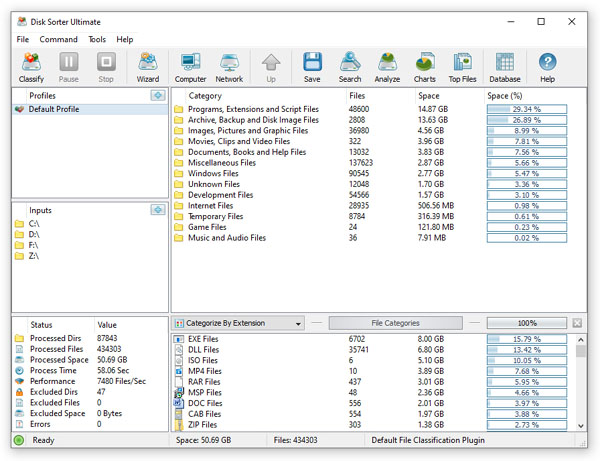
The default GUI layout displays large toolbar buttons with descriptive text labels under each button, shows the right side-bar with multiple tool panes, shows the main file classification results view in the middle and shows the file categories and filters view on the bottom.

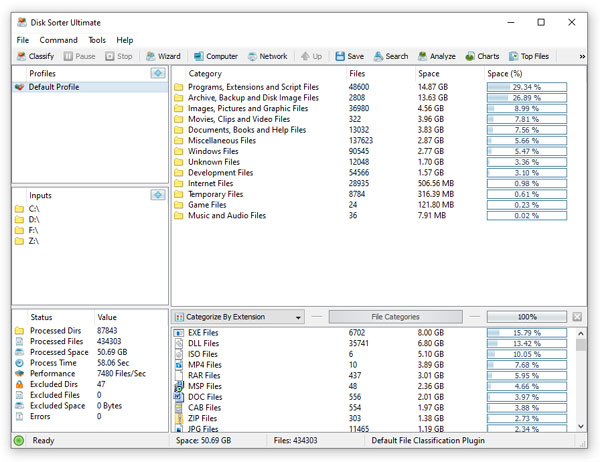
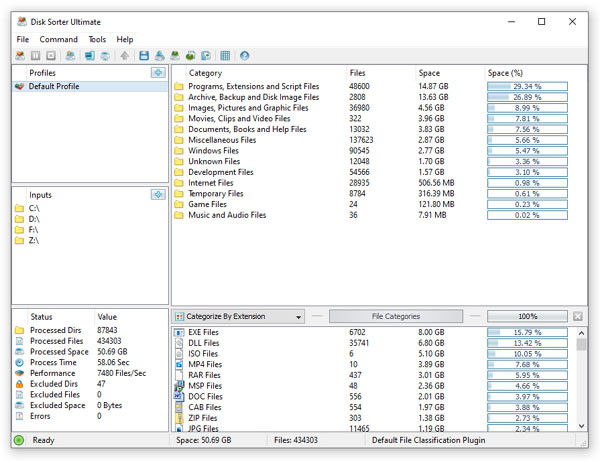
The second GUI layout displays small toolbar buttons with descriptive text labels beside each button and hides the right side-bar. The third GUI layout is a minimalist layout, which displays small toolbar buttons without descriptive text labels and hides both the right side-bar and the bottom file categories and filters.

DiskSorter News

22-Oct-2025

DiskSorter v17.4 adds a new file classification plug-in allowing one to classify the number of files and the amount of the disk space per top directory in one or more disks or network shares. In addition, the new product version adds support for new file types to the default file classification plug-in, improves file classification reports and fixes a number of bugs.

26-Sep-2025

DiskSorter v17.3 adds the ability to export the disk space usage per network server and network share to the JSON file format allowing one to display disk space usage charts using various AI analysis platforms. In addition, the new product version improves the DiskSorter main GUI application and fixes a number of bugs.

More News