DiskSorter is capable of classifying files in a number of disks, directories or network shares simultaneously. In order to classify
files in multiple locations, open the file classification profile dialog, press the 'Add' button located on the right side of the
list of file classification locations and add all the disks, directories and/or network shares that should be processed.

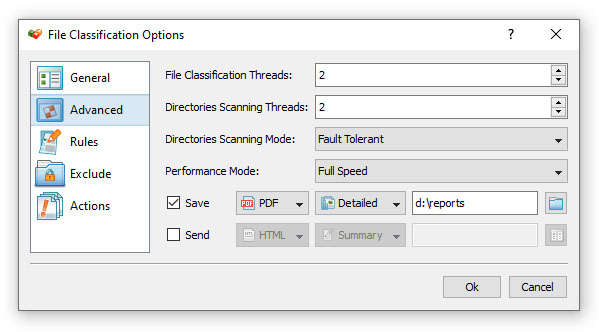
During runtime, DiskSorter will process the specified disks, directories and network shares in parallel using a number of CPUs and/or
CPU-cores according to the configuration specified on the advanced file classification options dialog.