By default, DiskSorter performs file classification using generic settings, which should be appropriate for most users. In addition,
IT and storage administrators are provided with a number of advanced configuration options allowing one to customize the file
classification process for user specific needs and hardware configurations.
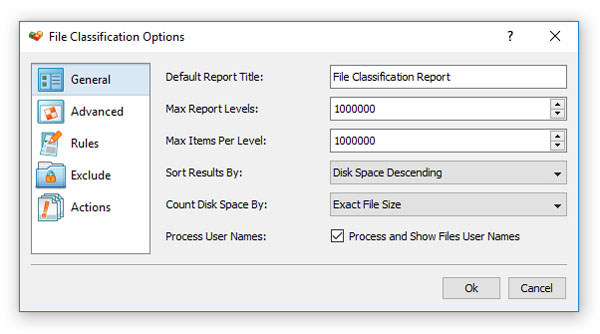
In order to customize the file classification process, open the file classification profile dialog and press the 'Options' button.
The 'General' file classification options tab allows one to control the default report title, the maximum number of report levels,
the maximum number of files per class, the results sorting mode and provides an option to show files user names.
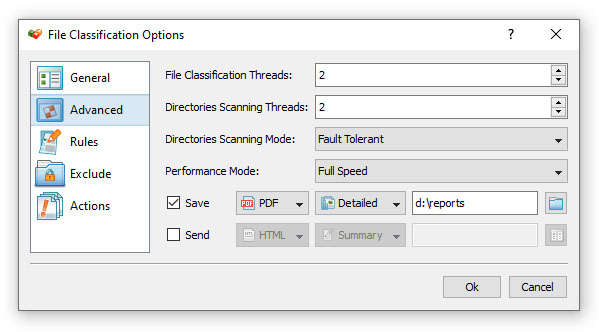
The 'Advanced' file classification options tab provides the ability to control the maximum number of parallel directory scanning
threads, the number of parallel file classification threads, the speed of the file classification process and the disk space
counting mode. In addition, the 'Advanced' file classification options tab allows one to automatically generate file classification
reports in a user-specified directory.


